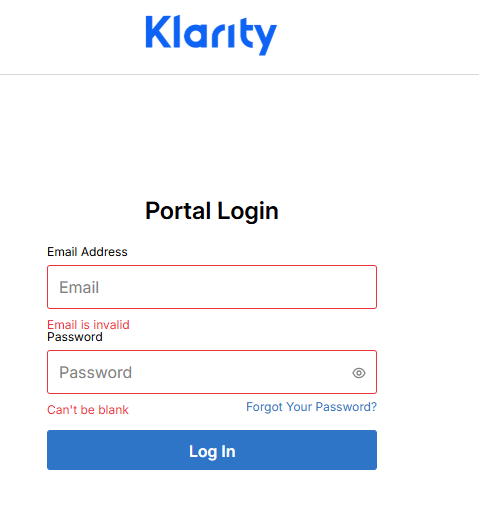
The direct link to the client portal is here: https://www.helloklarity.com/patient-login
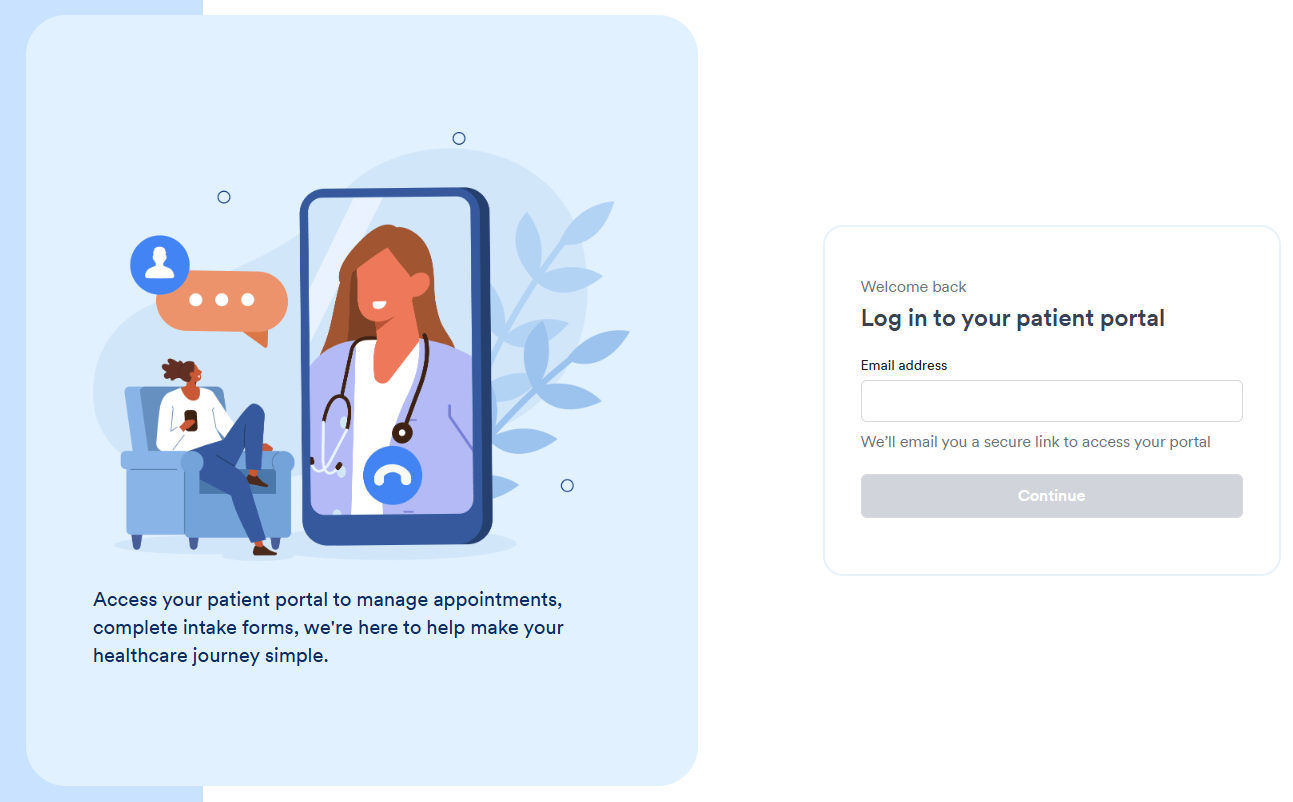
1. Enter the email address you used when you registered your account, then click on Continue.
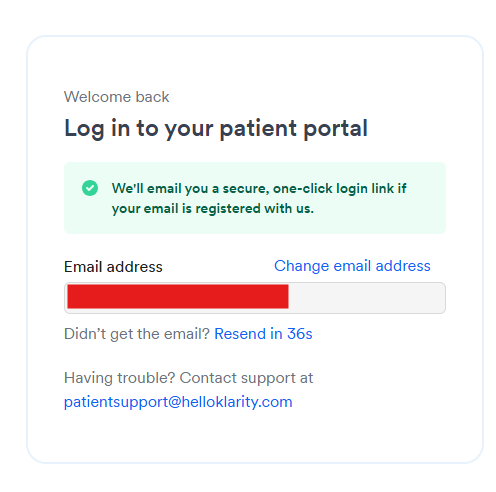
2. The system will send a an email with the secure, one-click login link.
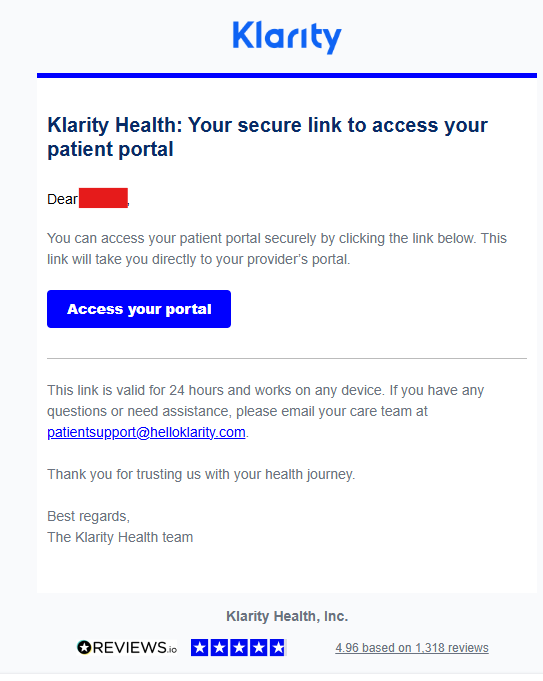
3. Click on the "Access your portal" button so you can be directed to the portal link.
You may also access the patient portal using the links below:
IntakeQ: https://klarity.intakeq.com/portal

Klarity: https://my.helloklarity.com